

IncuCyte live cell analysis core facility in BioClinicum
OnkPat/Theme Cancer core facilities are available for staff at the Department of Oncology-Pathology in addition to research Theme Cancer in BioClinicum. New users need an introduction to get authorized. Contact information to responsible persons can be found below. Before using this core facility send your certificate from KI laboratory safety introduction to Paula Mannström. Access to the building is also required.
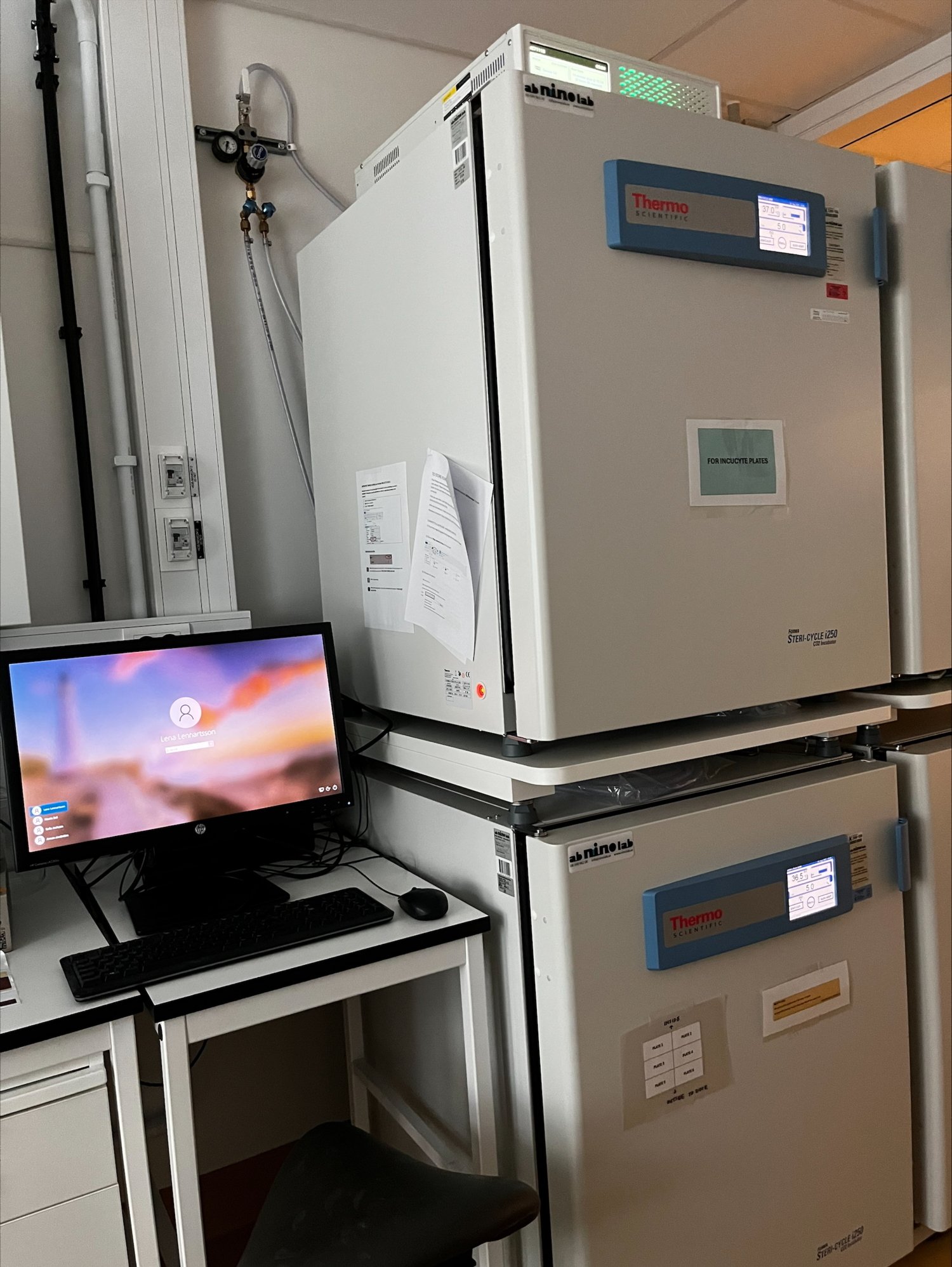
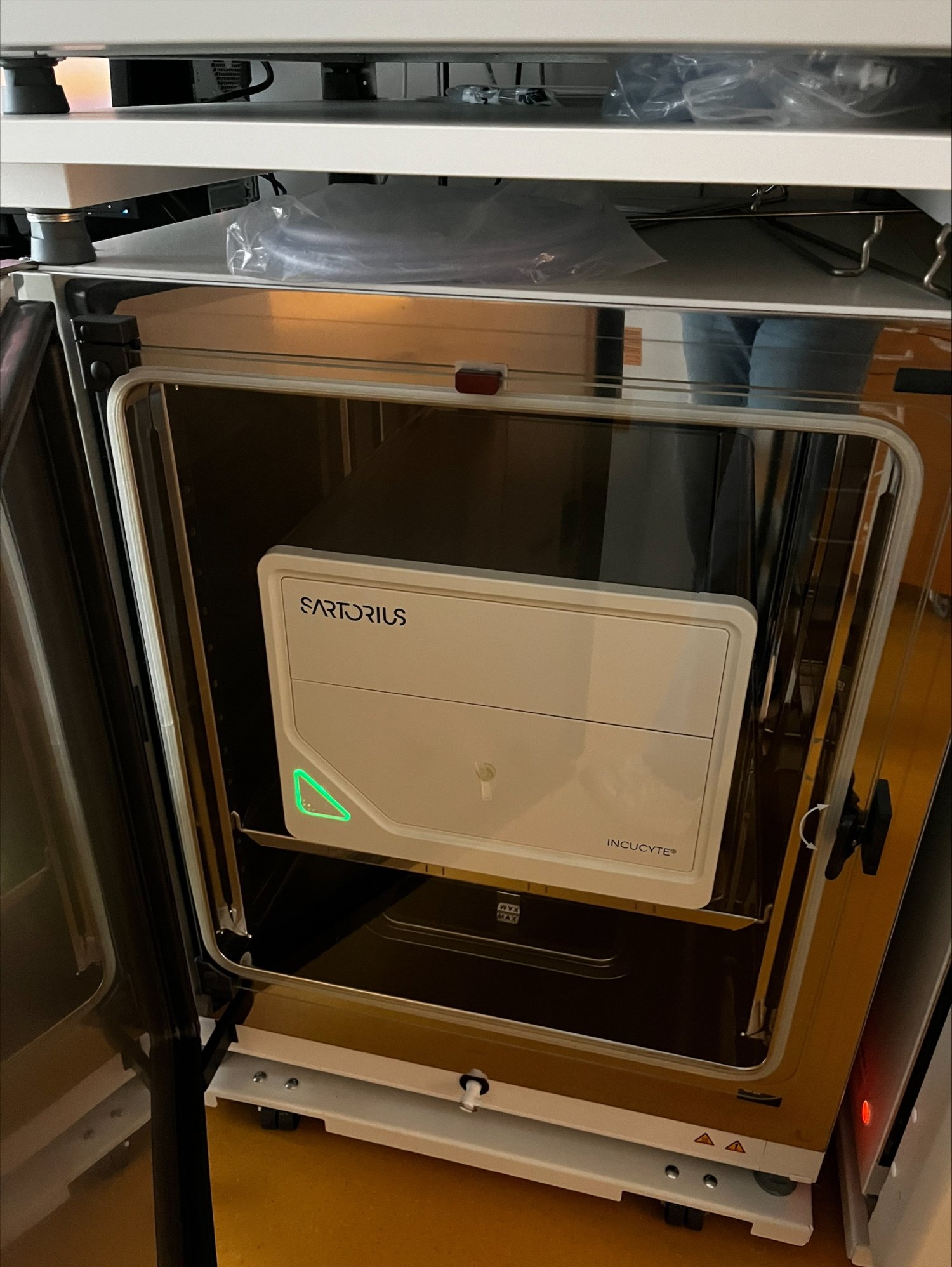
IncuCyte SX5 SARTORIUS
Room nr: U230 05 2510
Responsible persons: Paula Mannström and Susanne Öhlin
Booking calendar: The booking and charging are done in the iLab booking system
Instrument
The instrument is located in a shared cell lab, in the lower left incubator with the Control unit placed on top of the upper left incubator. The positions 1-5 can be used for maximum 1 week. Position 6 can be booked for minimum and maximum of 2 hours and used once a day for one scan only. The maximum scanning time per 24 hours is 12 hours to avoid over-heating (2 hours per plate and day). To book more than two plates or for longer than 1 week or longer than 2 hours per day, you must send a notification to the “GRP_IncuCyte users” Outlook group to get a “green light”.
Plates waiting for the scan or removed from the IncuCyte after the end of the experiment should be temporarily stored in the upper left incubator. You must remove your plate from the Incucyte when your booked time in iLab ends. The available software modules are:
- Standard
- Image lock
- Scratch Wound
- Dilution cloning
- Chemotaxis
- Spheroid
- AI scan
New users
This equipment is a core facility for Research Theme Cancer at BioClinicum and is accessible for authorized persons only. All users should have passed KI´s Laboratory safety introduction. Send certificate to Paula Mannström
The new users should contact a responsible person (see top of the page) to book and receive an introduction to the routines for this facility, a brief training for operating IncuCyte and some instruction material to become an authorized user. Get started with iLab booking system before the introduction. Each user will become a member of the “GRP_IncuCyte users” Outlook group for communication between the users. The IncuCyte software can be downloaded for free, either from the memory stick or Sartorius home page, see instructions below.
General Work Rules
The defined rules and work procedures for using IncuCyte must be strictly followed:
- The instrument is located in a BSL2 cell laboratory. It is mandatory to use the lab coat and gloves and follow the rules for this type of laboratory.
- Booking is done in iLab while schedule is set up, and plate is inserted at the IncuCyte core facility. You might need to wait for another user to finish. Be patient and kind to each other.
- For the longer scans, the scanning time is often longer than suggested by the schedule and temperature may rise. For scans longer than 10 minutes, inform the Outlook group with the time & schedule
- Bring your own gloves and materials. Ethanol/disinfection is placed in the fridge.
- Insert your plate(s) into the tray outside of IncuCyte, and then gently place the tray with the plates back in its position
- Clean up after yourself. Remove your plate and discard it and all the materials in your own lab.
- Archive and transfer your data files to your own external hard drive or to your network drive.
- Logout from the computer when you have set up your experiment to save the working memory of the computer.
- Delete archived files regularly from the computer as the full hard disk slows down all the operations
- For data analysis, IncuCyte software can be downloaded for free, see the link below (for PC only). There are also two Data analysis computers with installed software in J6:14 and J6:10 with booking through Clustermarket; to get an account, contact Paula Mannström.